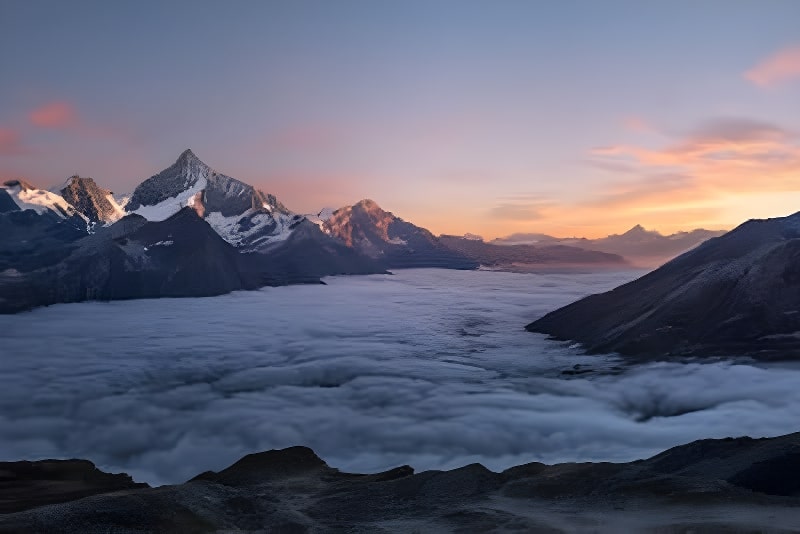
Enhance and upscale your images up to 8x using AI. Get crisp, high-resolution results from low-quality images.
Select a low-resolution image you want to enhance. We support JPG, PNG, and WebP formats up to 20MB. You can also pick images directly from your Sirv CDN account.
Pick your upscaling factor: 2x doubles resolution, 4x quadruples it, and 8x provides maximum enlargement. Higher scales work best with sharper source images.
Choose ESRGAN for fast general upscaling, Clarity for faces and creative enhancement, or Topaz for maximum detail with 7 specialized variants.
Preview the upscaled result side-by-side with the original. Download in PNG or JPG format, or save directly to your Sirv CDN for immediate use.


4x upscale with detail recovery
Transform small images into high-resolution masterpieces. A 500px image becomes 4000px at 8x scale.
ESRGAN for speed, Clarity for creative enhancement, Topaz for maximum detail—each optimized for different use cases.
Standard, High Fidelity, Recovery, Low Res, CGI, Text Refine, and Redefine modes for specialized upscaling needs.
Topaz model includes automatic face detection and enhancement to restore facial details in portraits.
Advanced AI algorithms enhance textures and edges while eliminating compression artifacts and noise.
Run all three AI models simultaneously and compare results side-by-side to pick the best output.
Upscale unlimited images with our batch tool. Import from CSV, Sheets, or upload directly.
Save upscaled images directly to Sirv for instant global delivery. Perfect for e-commerce workflows.
Choose the right model for your image type
| Feature | ESRGANFastestGeneral purpose upscaling | ClarityCreativeAI-enhanced detail generation | TopazMost PowerfulProfessional-grade upscaling |
|---|---|---|---|
| Processing Speed | 3-8 sec | 8-18 sec | 6-15 sec |
| Output Quality | Good | Excellent | Premium |
| Photo Upscaling | |||
| Face Enhancement | |||
| Text Sharpening | |||
| Digital Art | |||
| Noise Reduction | Basic | Advanced | Best |
| Model Variants | 1 | 1 | 7 modes |
| Credit Cost | 1 credit | 4 credits/MP | 4 credits/MP |
Create print-ready and web-optimized images for any use case
Upscale photos for large prints, posters, banners, and wall art. Transform web-resolution images into print-ready 300 DPI files without pixelation.
Enhance vintage scans, old family photos, and low-quality images to modern HD resolution. The Recovery variant is specifically designed for damaged images.
Enlarge product thumbnails and supplier images for high-quality listings. Meet marketplace requirements for zoom functionality and detail views.
Convert small thumbnails and compressed images to high-res versions for Instagram, Pinterest, and other visual platforms.
Enhance property photos for MLS listings, marketing materials, and virtual tours. Upscale smartphone photos to professional quality.
Enlarge logos, illustrations, and digital artwork for large-format printing or high-resolution displays. The CGI variant handles 3D renders perfectly.
You can upscale images up to 8x their original resolution, with a maximum output of 16,000 × 16,000 pixels. For best results with 8x upscaling, start with at least 500×500px sharp images. Very small or blurry images work better at 2x or 4x.
ESRGAN is fastest and best for general photos and quick previews. Clarity uses AI to creatively enhance details, perfect for faces and artistic images. Topaz offers 7 specialized variants: Standard (general), High Fidelity (maximum detail), Recovery (damaged images), Low Res (tiny images), CGI (3D renders), Text Refine (documents), and Redefine (creative enhancement).
ESRGAN costs just 1 credit for most images (up to 48 megapixel output), or 2 credits for very large outputs. Clarity and Topaz use dynamic pricing based on output megapixels. The exact cost is shown before you process.
AI upscaling enhances detail and reduces noise, but it works best on sharp, low-resolution images. For blurry or out-of-focus photos, results vary. The Topaz Recovery variant is designed to help with heavily compressed or damaged images.
Compare All processes your image with all three AI models simultaneously, showing results side-by-side. This helps you pick the best output for your specific image without guessing which model works best.
Yes! All models preserve transparency in PNG images. This is perfect for upscaling logos, icons, and product images with transparent backgrounds that you've processed with our background removal tool.
Use our Batch Upscaling tool to process unlimited images. You can upload files directly, import URLs from CSV/Excel, or connect to Google Sheets. Each image uses the same model and scale settings.
If you pick an image from Sirv or have Sirv connected, you'll see 'Upload to Sirv' after processing. Save alongside the original, replace it, or choose a custom path. The upscaled image is instantly available on Sirv's global CDN.
Explore specialized workflows for your specific needs
Meet marketplace image requirements
E-commerceUpscale for large format printing
Print on DemandEnhance old or low-quality photos
PhotographyUpscale property photos for high-quality listings
Real EstateUpscale images for high-resolution social media posts
MarketingHigh-resolution images for fashion catalogs and lookbooks
FashionSee how different industries leverage this tool